IPO Result Mero Share: How to Check by BOID (CDSC)
Khatapana
January 14, 2025 4 min read

Quick answer
Go to iporesult.cdsc.com.np, choose the company, enter your 16-digit BOID and click View Result. Or log in to Mero Share and open My ASBA > Application Report.
- Use your 16-digit BOID on the CDSC result site.
- Mero Share shows status under My ASBA > Application Report.
- Successful applicants usually get the minimum 10 units by lottery.
To check your IPO result in Nepal, go to iporesult.cdsc.com.np, choose the company, enter your 16-digit BOID and click View Result. Or log in to Mero Share (meroshare.cdsc.com.np or the app) and open My ASBA → Application Report, then select the IPO to see "Alloted" or "Not Alloted". Successful applicants get a minimum of 10 units, and in an oversubscribed IPO the winners are picked by lottery.
Official IPO result links
- CDSC IPO result (BOID check): iporesult.cdsc.com.np
- Mero Share (login, My ASBA): meroshare.cdsc.com.np
New to Mero Share? Start with our complete guide to Mero Share.
Check IPO result by BOID (iporesult.cdsc.com.np)
This is the fastest way. You don't need to log in, and you can check results for family members if you have their BOIDs.
- Open iporesult.cdsc.com.np.
- Select the company from the dropdown.
- Enter your 16-digit BOID (it starts with 130).
- Fill in the verification code if the page asks for one, then click View Result.
The page tells you whether shares were allotted to that BOID. You can find your BOID in your Mero Share profile or on your demat account details from your depository participant (DP).
Why third-party apps no longer show IPO results
In September 2023, CDSC restricted third-party apps from showing IPO results. Those apps used to pull results from CDSC's website. CDSC asks investors to use the official channels instead: iporesult.cdsc.com.np, Mero Share, or the issue manager of the IPO.
Mero Share result: My ASBA → Application Report
Use this if you applied through Mero Share and want to see the result with your application details.
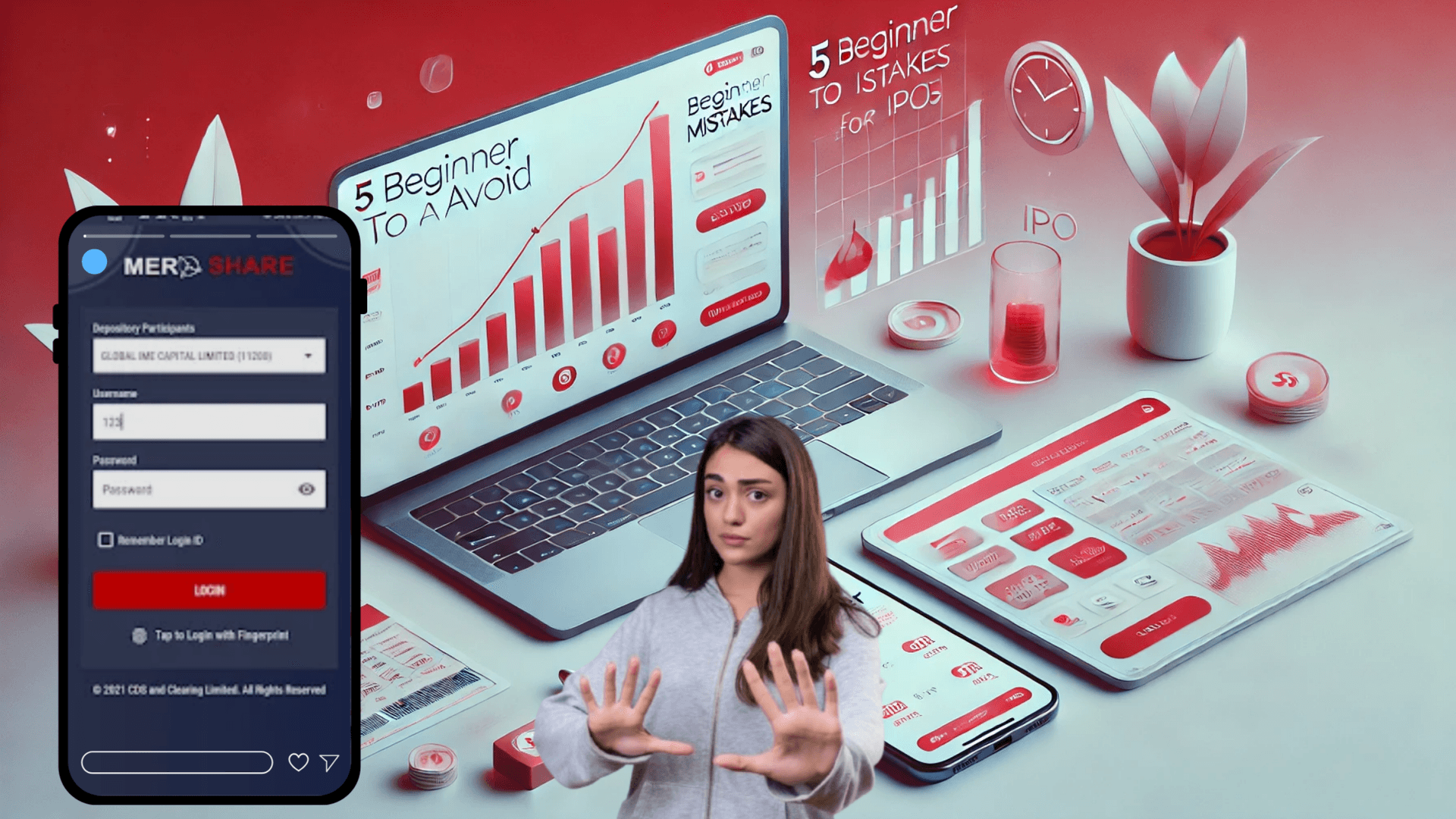
- Log in to Mero Share. Go to meroshare.cdsc.com.np or open the app. Select your DP, enter your username and password, and log in.
- Open My ASBA. Click My ASBA and go to the Application Report tab. You'll see a list of the issues you applied for.
- Find your IPO. Select the company to open your application details.
- Check the status. It shows Alloted if you received shares, or Not Alloted if you didn't.
Take a screenshot of the result if you want a record. If you were allotted, the shares appear in your demat account. If not, the blocked amount in your bank account is released.
Why you got "Not Allotted"
- The minimum IPO application is 10 units.
- Under SEBON's securities issue and allotment rules, every successful applicant gets at least 10 units. When an issue is oversubscribed, there aren't enough shares for everyone, so applicants are chosen by lottery.
- Applying for more than 10 units rarely improves your odds in an oversubscribed IPO. Most winners get only the minimum.
A "Not Alloted" result usually just means you weren't picked in the lottery. It is not a problem with your account.
Common problems and fixes
Can't log in to Mero Share
Check that you selected the right DP and typed your username correctly. If you forgot your password, use the Forgot Password option on the login page. If you're still locked out, use the BOID check on iporesult.cdsc.com.np, which needs no login.
The site is slow or not loading
Result days bring heavy traffic to both Mero Share and the CDSC result site. If one is slow, try the other, or check again later in the day.
Wrong BOID
Copy your BOID from your Mero Share profile instead of typing it from memory. A single wrong digit shows no result or someone else's.
Result not showing yet
Results appear only after the allotment is done. Check the issue manager's notice for the allotment date, then refresh your Application Report or check the CDSC result page.
Tips for applying to IPOs
Apply for the minimum (10 units)
Most IPOs in Nepal are oversubscribed, so successful applicants usually get only 10 units even if they applied for more. Applying for the minimum keeps less money blocked in one IPO and leaves funds free to apply for others.
Each family member can apply with their own account
Every eligible family member who has their own demat account and Mero Share login can apply in their own name. Apply only once per account for each issue.
Keep enough balance in your bank account
The application amount is blocked in your linked bank account through ASBA. Make sure the balance covers it, or your application won't go through.
Watch for upcoming IPOs
Track open and upcoming issues so you don't miss the application window. See our guide to upcoming IPOs in Nepal, and learn how to apply for IPOs and FPOs using Mero Share.
FAQ
How do I check my IPO result by BOID?
Go to iporesult.cdsc.com.np, select the company, enter your 16-digit BOID and click View Result. No login is needed.
Where is the IPO result in Mero Share?
Log in, open My ASBA, go to the Application Report tab and select the IPO. The status shows Alloted or Not Alloted.
How long does it take for IPO results to be published?
SEBON's guideline requires allotment within 20 days of the issue closing. Check the issue manager's notice for the exact date.
Why was I not allotted shares?
Most IPOs get far more applications than there are shares. Successful applicants get at least 10 units, and they are picked by lottery, so many applicants get none.
Does applying for more shares increase my chances?
Rarely. In an oversubscribed IPO, most successful applicants get only the minimum 10 units, whatever they applied for.
Can I check IPO results on third-party apps?
CDSC restricted third-party apps from showing IPO results in September 2023. Use iporesult.cdsc.com.np or Mero Share.
Related articles
Run your business from your phone
Register companies, track compliance and manage payroll from your phone with the Khatapana app.


Related Blogs


Subscribe to our newsletter
Get latest news and updates directly to your email.